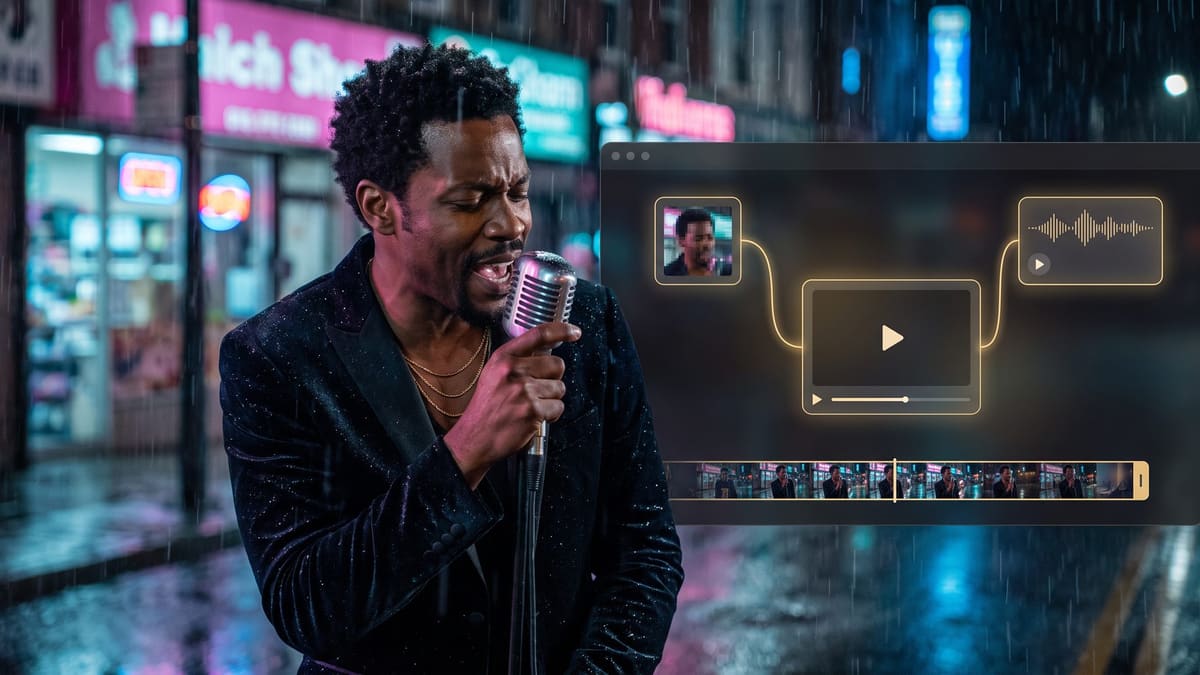
A song of 3 minutes 36 seconds, a fictional soul singer, and one question: can a complete lip-synced music video be built from that in a single evening, without me touching a timeline myself? The short answer is yes. The longer answer is this making-of, including the places where things got stuck and the bill at the end.
The result is “Connected, Not to Each Other” by Solomon Ray, my AI soul project. The song comes from Suno, the images and clips ran through the ElevenLabs connector, and Claude built the edit with ffmpeg.
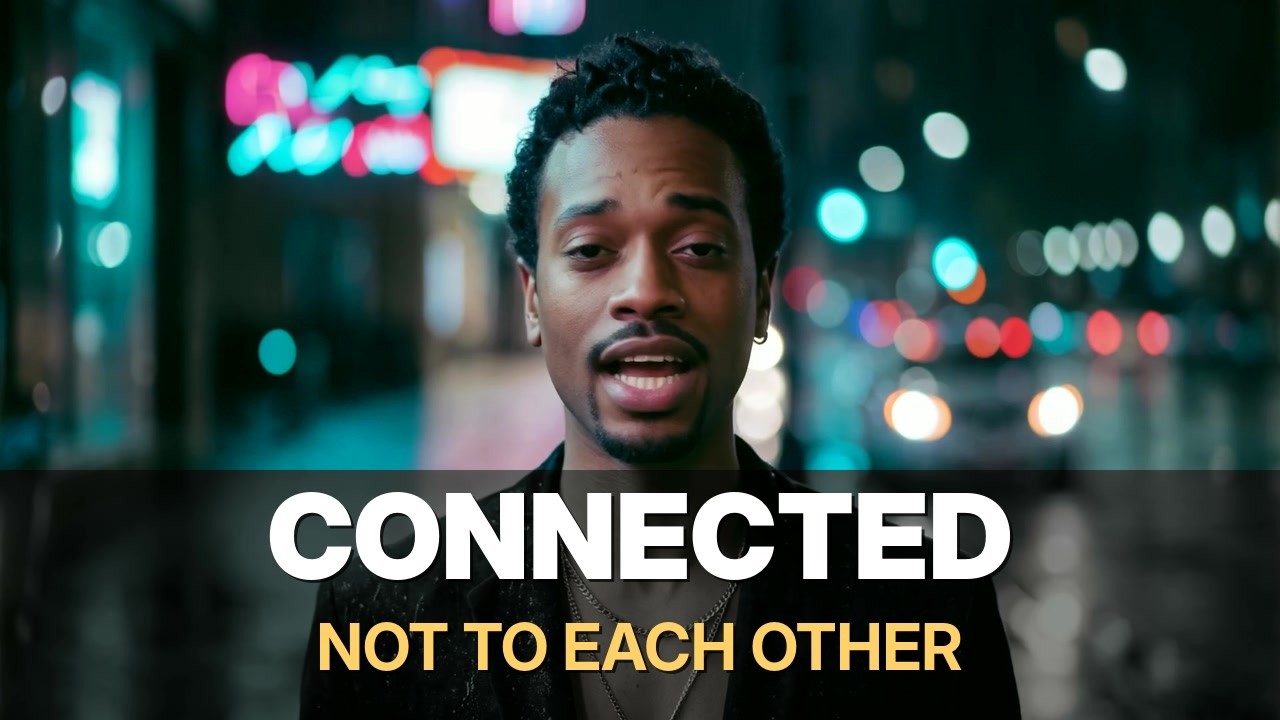
Watch “Connected, Not to Each Other” on YouTube
The chain at a glance
If you only want to know how the pieces fit together, here is the short version. The details follow in the sections below.
- Suno delivers the song together with the lyrics and a timestamp for every line.
- Claude reads the song structure from that and cuts the audio into short pieces.
- A small upload MCP of my own puts images and audio pieces on my server and returns public addresses.
- The ElevenLabs connector fetches the files and renders lip-sync clips, scenes and new start images.
- ffmpeg places everything frame-accurately on the song timeline and lays the original song underneath.
I steered the whole thing in a chat. I made the decisions and signed things off, Claude operated the tools.
The starting point: a song from Suno and a handful of images
There was not much material at the beginning:
- the song as an M4A file from Suno, 3 minutes 36 seconds long
- five stills of the singer in different settings: a rooftop at dusk, a recording studio, a theater stage, a rainy neon street, a backstage dressing room
- three reference images of his face
- one frontal close-up on the rainy street, intended as the start image for the lip-sync
Suno was more than just the supplier of the music here. The exported file contained the complete lyrics plus a track with timestamps for every line. That sounds like a detail, but it carried the entire production: the song structure could be read from those timestamps to the second, without anyone having to listen and take notes with a stopwatch.
| Section | Start |
|---|---|
| Intro | 0:00 |
| Verse 1 | 0:11 |
| Pre-chorus | 0:34 |
| Chorus | 0:46 |
| Verse 2 | 1:21 |
| Pre-chorus | 1:45 |
| Chorus | 1:57 |
| Bridge | 2:22 |
| Final chorus | 2:45 |
| Outro | 3:15 |
The same track later produced the subtitles for YouTube and the on-screen lyric lines in the Short. So if you work with Suno and want to build a video afterwards, do not throw that data away.
An earlier attempt with Seedance, using the face as an image reference, had been rejected. That is why the decision fell on ElevenLabs.
Why the ElevenLabs connector
For a long time, ElevenLabs was purely a voice tool for me. The connector that plugs into Claude via MCP has become something else: a control center for image and video models from several providers. Every generation lands on a “flow”, a kind of canvas made of nodes. An image node and an audio node lead into a video node, and the result can be wired onward.
Three models mattered for this project, all through the same connector:
- OmniHuman 1.5 turns a still image and an audio track into a lip-synced video.
- Kling 2.5 Turbo animates a still image into a ten-second scene.
- Gemini 3 Pro Image creates new images from references while keeping a character consistent.
The practical advantage: one login, one credit account, one interface in which I can open every single clip afterwards. And Claude can ask for the price before each run without triggering anything. That cost estimate paid for itself several times during the project.
The first hurdle: how do files get into the connector?
The beginning was not spent on anything creative, but on a mundane question: how does a file get from my computer into the flow?
The connector knows two ways. Either I pick the file myself in a file dialog, or the file sits at a public HTTPS address and ElevenLabs fetches it on its own. For one image and one audio snippet, the dialog would have been fine. For an entire music video with more than twenty files, it was not.
The solution was a tool I had built for something completely different: my own Seedance MCP can put reference images into a folder on seo-experiments.net via SFTP and returns the public address. Images worked right away. Audio was rejected, because the tool only knew JPEG, PNG and WebP.
So I extended the MCP with an audio upload, MP3 and WAV, with the same verification via SFTP and HTTPS. After that, the path was the same for every file:
- Claude cuts the audio excerpt locally.
- The Seedance MCP uploads it to the server and returns the address.
- The ElevenLabs connector loads the file into the flow from that address.
This is the least spectacular and at the same time the most important insight of the project. A connector is only as useful as the path your own data takes to reach it. A small upload MCP of your own closes exactly that gap.
The song in pieces
I did not send the song through the lip-sync model in one go. Instead it was cut at line boundaries into pieces of 11 to 18 seconds each. Short clips can be checked and replaced individually, and a failed attempt only costs a few dollars. This is where the Suno timestamps paid off: every cut sits between two lyric lines, never in the middle of a word.
In the end there were 15 audio excerpts: each verse in two halves, both pre-choruses, each chorus in two halves, the bridge in two halves, and the outro. Together they cover about 194 of the 216 seconds. The rest is the instrumental intro and a short break after the first chorus.
One test clip first, then the rest
Before anything went into series production, there was a single test clip: the first half of the first chorus, 12.3 seconds, with the street close-up as the start image.
The cost estimate up front said 11,926 credits, roughly 2.62 dollars. Render time was around six minutes. The result was a clip at 1920 × 1088 pixels and 25 frames per second.
The clip worked on the first attempt. Lips, facial expression and the slight head movement in time with the music were coherent, and the rain in the background moved along. Only then did I approve the remaining clips. At a good 20 cents per second of lip-sync, that order is not caution, it is simply sensible.
New close-ups instead of hidden mouths
The second problem was about content. My five settings looked good, but were hardly suitable for lip-sync. On the rooftop and in the studio, the singer holds a microphone right in front of his mouth. On the stage, his face is small and sits behind a microphone stand.
A lip-sync model needs the opposite: a frontal, well-lit face with a free, closed mouth. So Claude created new close-ups with Gemini 3 Pro Image, each from two references: the street close-up for the face and the setting image for the location. The instruction in the prompt was always the same: from the chest up, looking into the camera, mouth closed, no microphone and no hands in front of the face.
That produced three new start images for the stage, the rooftop and the studio, each in two variants to choose from. Face, hair, blazer and chains stayed recognizably the same. The dressing room worked with the existing image.
With that, every part of the song has its setting:
- Verses: dressing room and studio, alternating
- Pre-chorus: stage first, rooftop the second time
- Choruses: street, then stage, and finally rooftop
- Bridge: street and dressing room
- Outro: dressing room
Scenes without singing: Kling instead of Seedance
For cutaways I needed moving scenes in which the singer does not sing: he walks through the rain, looks at his phone in the dressing room, takes off his headphones in the studio, gazes over the city from the roof.
The plan was to use Seedance 2.5 for this. The cost estimate ended that quickly:
| Model | Clip | Credits | Approx. price |
|---|---|---|---|
| Seedance 2.5, 1080p | 12 s | 75,185 | $16.54 |
| Seedance 2.5, 720p | 12 s | 33,611 | $7.39 |
| Kling 2.5 Turbo | 10 s | 4,242 | $0.93 |
For 13 scenes, Seedance at 1080p would have come to more than 200 dollars. Kling delivered the same amount for around 12 dollars, and the results were usable. Two things mattered in the prompts: describing a concrete action that involves no singing, and excluding singing, talking and lip movement in the negative prompt. Otherwise the character moves his mouth, and that matches no line at all.
The edit: why version 1 was too slow
Claude built the edit with ffmpeg, frame-accurate at 25 frames per second. Every lip-sync clip starts exactly where its audio excerpt starts in the song. The audio track is the original song throughout, not the sound from the clips.
The first version followed a classic idea: choruses as lip-sync, verses and bridge as narrative scenes with soft crossfades. The result was clean, but too calm. Scenes of four to ten seconds in which someone looks thoughtful while the vocals keep running quickly feel like filler.
My feedback was correspondingly brief: more lip-sync, and only cut the scenes in for a moment.
The second version turns the ratio around:
- The singer visibly sings the entire lyrics. That took eight more lip-sync clips for verses, pre-choruses and bridge.
- The scenes are now only cutaways of 2.2 to 2.6 seconds, 21 in total, all as hard cuts.
- The intro and the instrumental break each consist of three scenes of three to four seconds.
The cutaways solve a technical problem along the way. When two lip-sync clips with the same start image follow each other directly, the character jumps at the seam. If a cutaway sits exactly there, nobody notices anymore.
Technically, one approach proved itself: encode every piece separately with identical settings, then join all pieces without re-encoding. A change in one place then only costs seconds.
What it cost
The honest bill, everything through ElevenLabs:
| Item | Amount | Credits |
|---|---|---|
| Lip-sync with OmniHuman 1.5, 1080p | 15 clips, about 194 s | approx. 187,400 |
| Scenes with Kling 2.5 Turbo | 13 clips of 10 s each | approx. 55,100 |
| Close-ups with Gemini 3 Pro Image | 6 images | approx. 14,600 |
| Total | approx. 257,000 |
That is roughly 57 dollars. The edit, the thumbnail, the subtitles and the vertical version cost no additional credits, because they were made from the existing material.
Had I planned continuous lip-sync from the start, a few of the 13 scenes would have been unnecessary. The detour via version 1 did cost money, but not much.
The Short and the YouTube package
The same material produced a Short of 40 seconds: the first pre-chorus and the complete first chorus, vertical at 1080 × 1920. The lyric lines are shown on screen, again from the Suno timestamps, with the hook in yellow.
There were two attempts here as well. The first version placed the image in the middle and filled the top and bottom with a blurred copy. That looked like a workaround, and the title at the top edge was cut off in the preview image. The second version crops the landscape format consistently to vertical, the face fills the frame, and everything important sits in the center.
For the long video there was more: a thumbnail, the subtitle file with 58 lines, chapter markers and a note about the AI-generated content in the description. The singer is an invented character, and the description says so.
What I take away from this
- The Suno timestamps are worth gold. Song structure, audio cuts, subtitles and on-screen lyrics all came from the same track.
- Estimate first, then render. Asking for the cost before the run saved a three-digit amount.
- One test clip before the series. Twelve seconds for 2.62 dollars show whether image and model fit together.
- Lip-sync needs its own start images. Frontal, mouth closed, nothing in front of the face. Beautiful settings with a microphone in the picture are unsuitable for it.
- The upload path is part of the pipeline. Without the small upload MCP of my own, every file would have been manual work.
- Short cutaways beat long scenes. Two to three seconds are enough, and they hide the seams.
- Never repeat blindly. Every generation call costs money. If something hangs, check the status first.
What is not perfect
There are two things I do not want to hide. The newly generated close-ups are only about 1,400 pixels wide, so the lip-sync clips rendered from them are a little softer than the clip with the high-resolution street image. And OmniHuman can hardly be directed: the model decides on its own how much the head and shoulders move. For a ballad that fits, for a fast song I would want more control.
In this workflow, sync was placed mathematically on the song timings and checked with still frames. An automated listening check was not part of the process; the final sign-off by ear remains my job.
Conclusion
A Suno song, one connector, a few helper tools of my own and an assistant that holds the threads together: that was all it took. The music video, a Short, the thumbnail and the subtitles were made in one evening and one morning, for around 57 dollars. For me the most interesting part is not the video, but the fact that the chain now exists. For the next Solomon Ray song, the work no longer starts from zero.
Sources and documentation
Official documentation for the tools used. Model names, features and prices change quickly; the figures mentioned come from the project on November 11 and 12, 2026.